Work on a map together
See teammates on the same map in real time.
You and a teammate need to build or review the same map — and emailing exported files back and forth is slow and quickly gets out of sync. Open the map together instead. When more than one person has the same map open, you all see each other live: who's here, where their cursor is, and every change as it happens.
Want to try it on your own first? Open the NYC Taxi Zones map in two browser windows side by side — you'll show up as your own collaborator and can watch the cursors and views talk to each other. One thing won't sync there: that map is a shared read-only demo, so edits only travel on a map of your own — sign in and use the copy in your team's Demos project.
What you want to do
Skip the email thread
You've finished a draft map and a colleague needs to weigh in — or you're building one together and want a second pair of hands. Instead of exporting a file, attaching it, waiting for edits, and reconciling versions, you both just open the same map. Whatever one of you does, the other sees on their own screen, right away. There's nothing to set up and no session to start.
Getting everyone in
Just share the link
Anyone who opens the same map joins you automatically — sharing the map's link is the invitation. There's no separate "start collaborating" button to hunt for. Hand out the link the same way you'd publish a map; Sharing maps walks through getting that link and deciding who's allowed to open it.
Who's here
See who else is on the map
A small collaborators list sits at the bottom of the editor. On your own it reads no other viewers. As people arrive, each one gets a row with their own coloured dot and a name, so you can tell at a glance who's looking at the map alongside you.
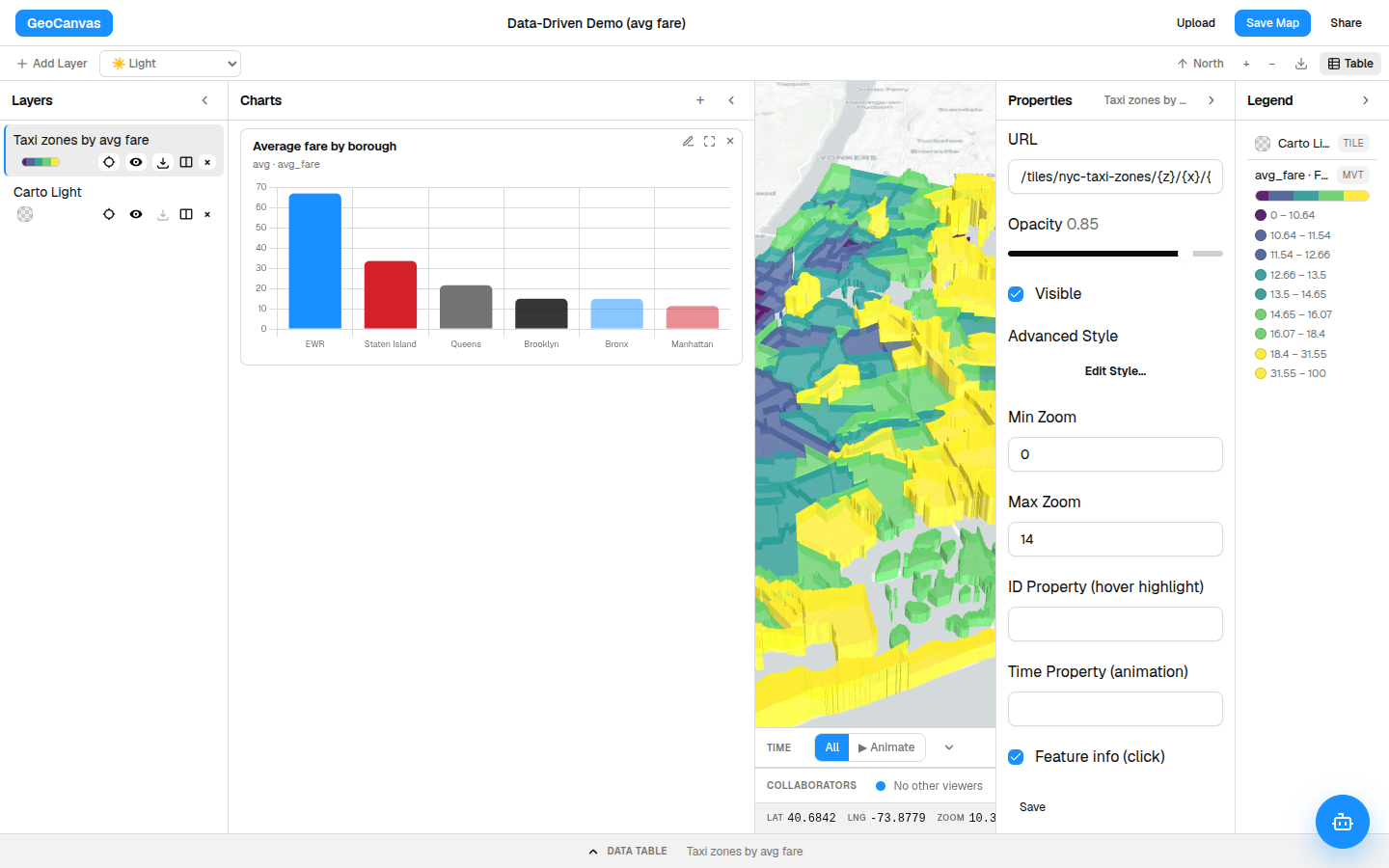
Live cursors
Watch their cursor move
As a teammate moves their mouse across the map, you see their cursor — a little labelled dot in their colour — glide across your screen in real time. It stays pinned to the same spot on the map for both of you, so even if you're zoomed into Manhattan while they're out by the airport, their pointer lands exactly where they mean it to. It's the next best thing to leaning over someone's shoulder.
Follow along
Ride along with their view
Sometimes you want to see exactly what someone else is looking at — say a colleague is walking you through the priciest taxi zones, out on Staten Island and around the airports. Click Follow next to their name and your map mirrors theirs: as they pan, zoom and tilt, your view goes with them. They'll see that you're following, so they know they have an audience.
- Find them in the list. Open the collaborators list and spot the person you want to watch.
- Click Follow. Your view snaps to theirs and travels with it from then on.
- Watch them navigate. As they move around the map and tilt into the 3D view, your screen follows along.
- Take back the wheel. Click Unfollow whenever you want to steer your own view again.
Shared editing
Everyone's edits show up live
Presence is only half of it — the map itself is shared too. When anyone restyles the choropleth, shows or hides a layer, or adds a chart, the change appears on everyone else's screen within a moment, with no refresh needed. Recolour the taxi zones from green to blue and your collaborator's map turns blue right alongside yours. For what those edits actually do, see Styling layers.
Good to know
What to expect
Working together this way is deliberately simple and very live, so a few things are worth knowing up front:
- It's live presence, not a paper trail. You see what's happening while everyone's here, but the map doesn't keep a record of who changed what. When someone leaves, their cursor simply disappears.
- Everyone present can edit. There are no separate view-only seats inside the editor — everyone on your team who can open the map can change it. It goes most smoothly when people take different parts of the map rather than tugging at the same layer at once. (The shared demo map is the one exception: explore it freely, but edits there stay on your own screen.)
- Your map is always safe. Changes are saved with the map as you go, so closing a tab or a brief drop in your connection never loses your work — reopen the map and everything's there.
Want people to simply view the finished map, with no editor at all? Publish it instead: Sharing maps gives you a clean, branded page, and Embedding maps drops the live map straight into your own site.